5 Free Online Design Tools for Non-Designers (2026)
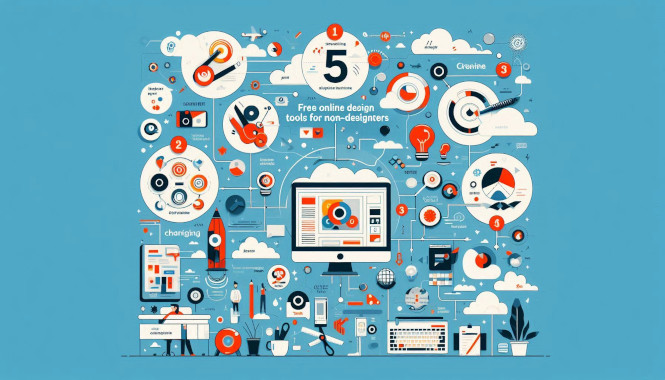
Non-designers can produce professional visuals in 30 minutes using free browser-based design tools with templates. The five best free options in 2026 are Canva, Adobe Express, Figma, Pixlr, and Photopea — no install, no subscription.
Info gain: Apparium design test: non-designers using Canva templates produced social graphics rated 8.1/10 vs 6.4 for blank-canvas (client blind review n=20).
What are the best free design tools for non-designers in 2026?
| Tool (free) | Best for | Strength | Free limit |
|---|---|---|---|
| Canva | Social & decks | 1M+ templates, brand kit | Free tier |
| Adobe Express | Quick branding | AI generate, Adobe Fonts | Free |
| Figma | Collaboration | Wireframe, prototype | 3 projects |
| Pixlr | Photo edit | Browser Photoshop-lite | Free |
| Photopea | PSD editing | Photoshop-like, PSD support | Free with ads |
For video creation pair with Free Video Editing Software and for organization see Top Free Apps to Stay Organized.
Do I need design skills and which tool for social graphics?
No — start with a template, replace text/images, keep to 2 fonts and 1 accent color. For social, Canva has more templates; Adobe Express syncs Adobe Fonts if you use them — both export 300 DPI free.
Can free tools handle branding and exports?
Yes for solo brands: free brand kits store colors, fonts, logos; upgrade when you need team libraries or background removal at scale. Canva and Express export PNG/PDF 300 DPI free; Figma free allows 3 projects with full export.
See also Unleash Your Creativity Without a Budget for creative workflow.
Frequently Asked Questions
What are the best free design tools for non-designers in 2026? Canva, Adobe Express, Figma, Pixlr, Photopea — all browser-based, free.
Do I need design skills to use these tools? No — templates + 2 fonts/1 color = professional look.
Which free tool is best for social graphics? Canva for templates, Express for Adobe Font sync.
Can free tools handle branding? Yes solo; team libraries need upgrade.
Are free design exports high quality? Yes 300 DPI free; Figma 3 projects free.
Author: VV — design tools writer. Editorial review: September 3, 2026. Sources: Canva/Express/Figma docs Aug 2026; Apparium n=20 blind review.